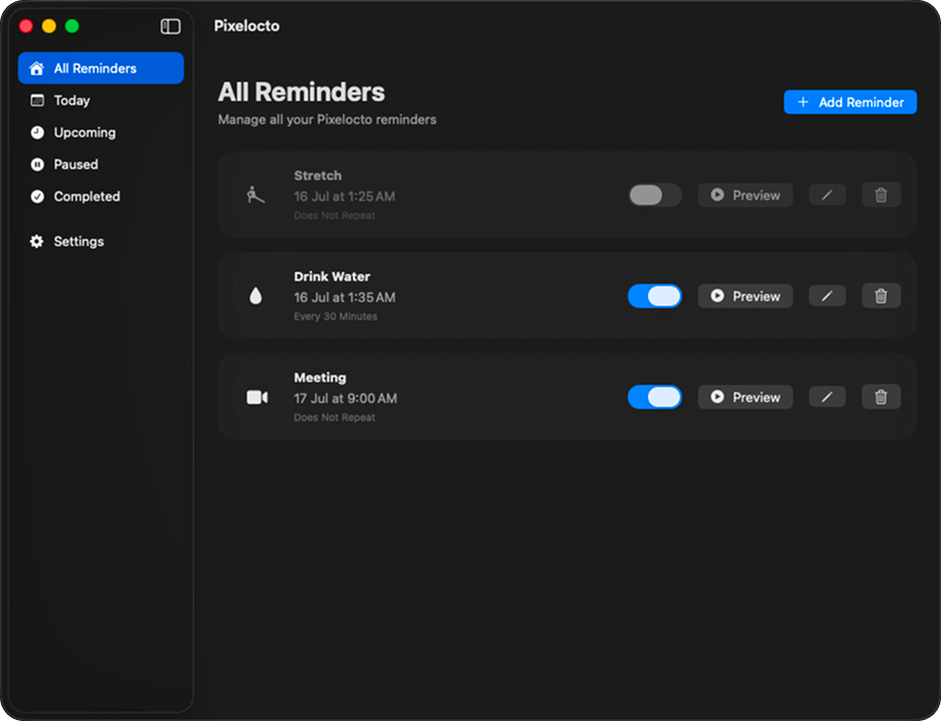
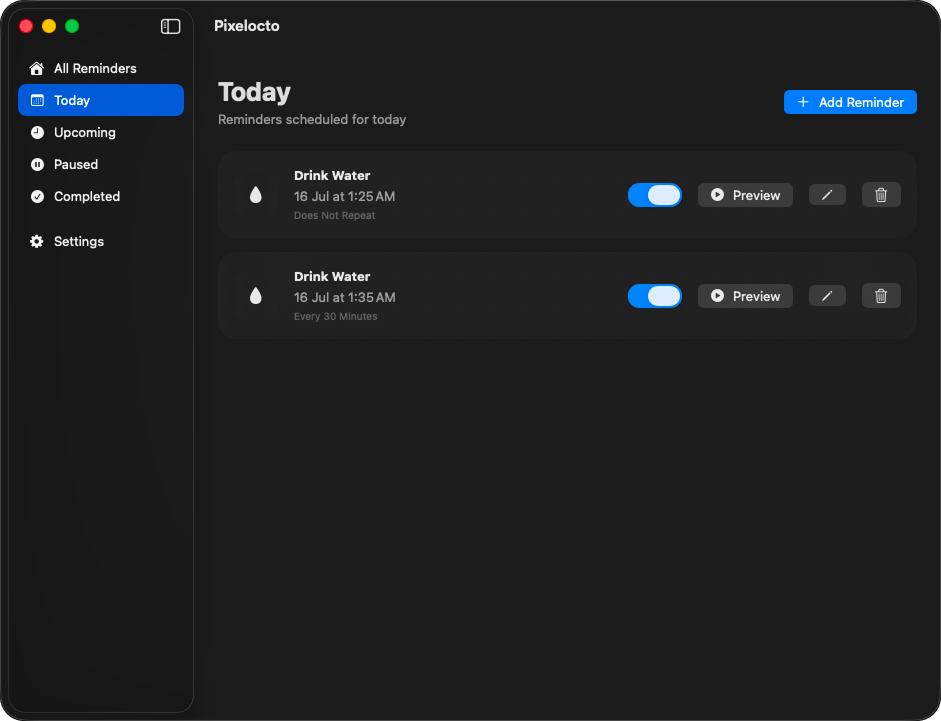
Drink Water
Friendly reminders to help you stay hydrated while working.

Version 0.1.0 Alpha
Your pixel companion for healthier habits.
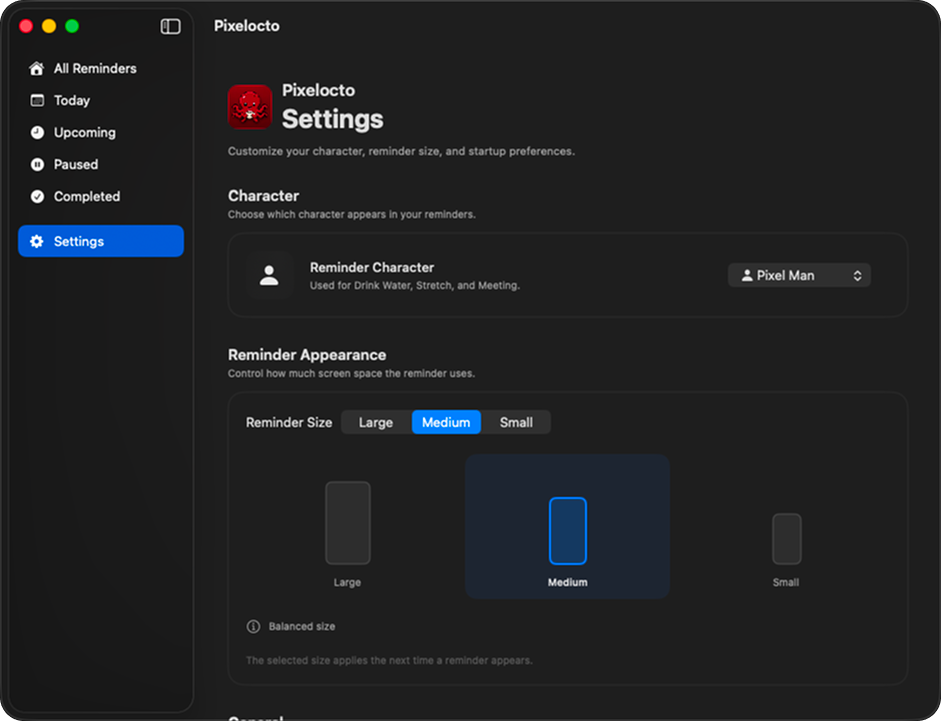
Animated visual reminders for drinking water, stretching, and meetings—right on your Mac desktop.
Requires macOS 14.6 or newer
Friendly reminders to help you stay hydrated while working.
Take regular stretch breaks and reduce fatigue.
Get a clear visual reminder before important meetings.
Pixelocto is under active development. You may encounter bugs or unfinished features. Your feedback will help improve future releases.
Because Pixelocto is currently in Alpha release, macOS Gatekeeper may show a warning when opening it for the first time. Watch our 30-second quick guide or follow the simple steps below!

Open the downloaded .dmg file and drag Pixelocto into your Applications folder.
If macOS blocks the app, open System Settings → Privacy & Security, scroll down to Security, and click Open Anyway.
Or Right-Click (Control-Click) Pixelocto.app in Applications, select Open, and confirm in the alert dialog.
Found something that doesn't work as expected? Let us know and we'll get it fixed.